

Recording what you spent
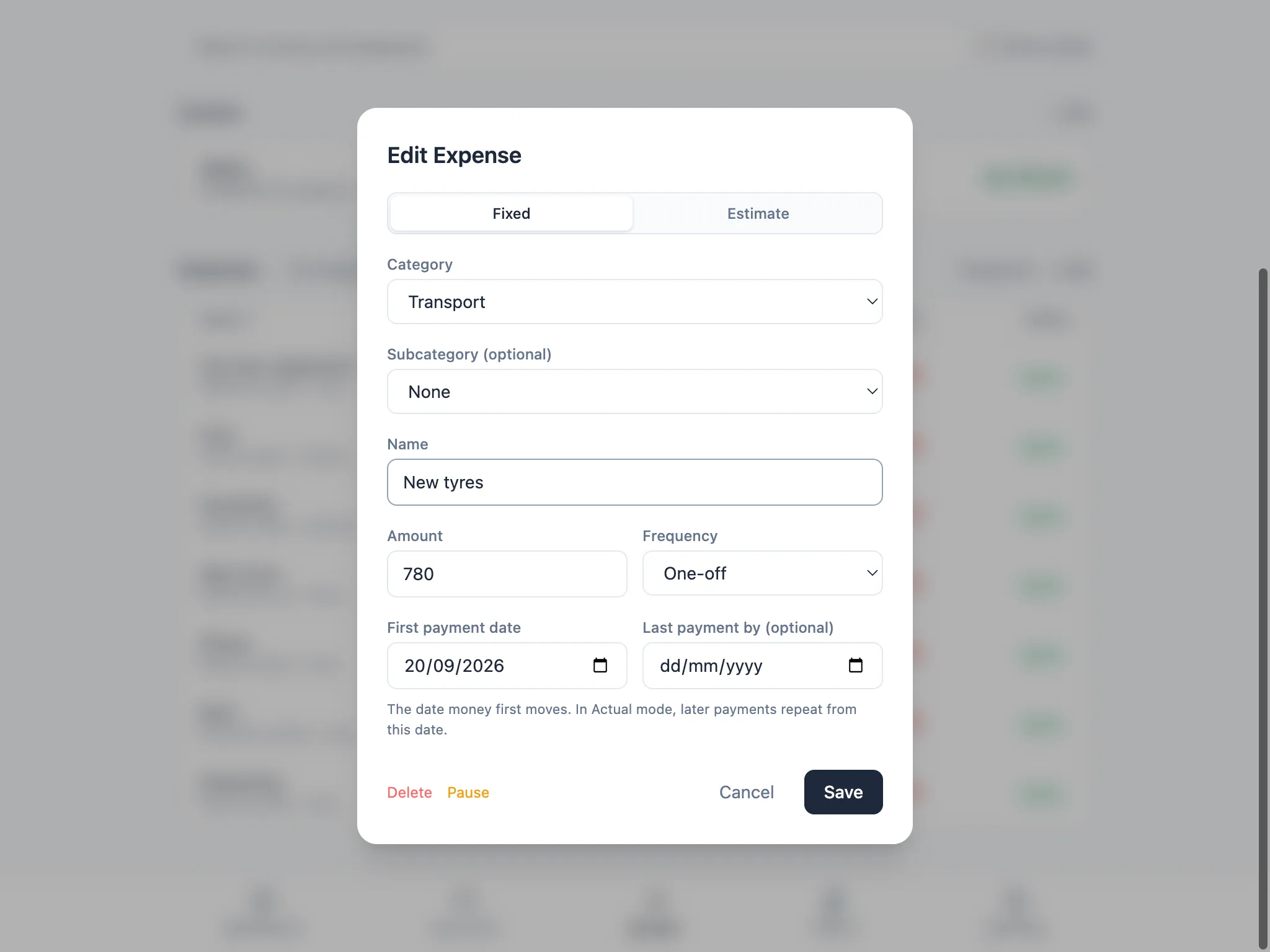
A one-off is a single payment on a single date: a car repair, a piece of furniture, a bill that doesn’t repeat. Add it as a Fixed expense with One-off frequency, and set the First payment date to the day it actually happened, even if that’s in the past.
Back-dated one-offs land in their own month
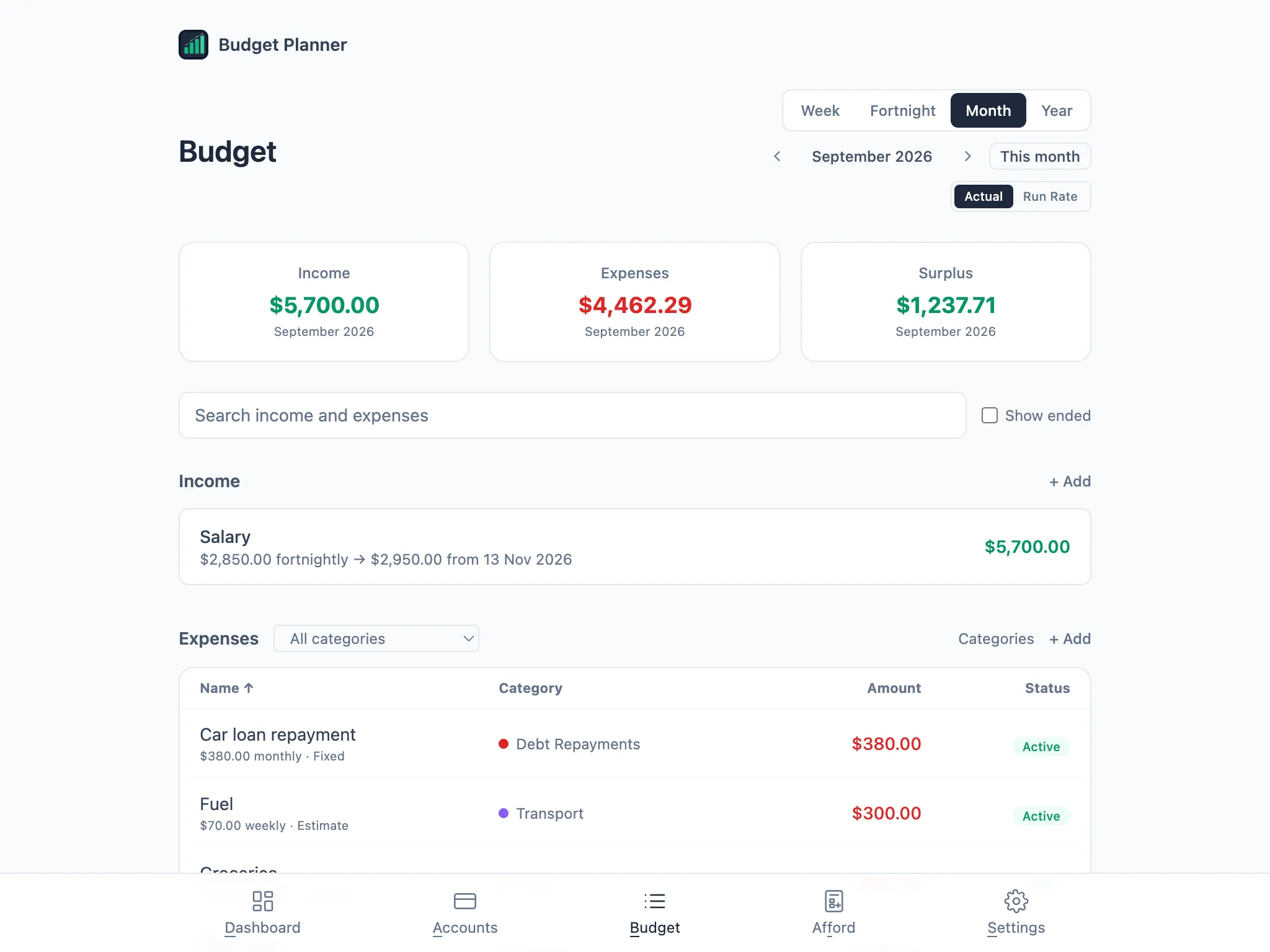
Section titled “Back-dated one-offs land in their own month”Because Actual mode places every payment on its real date, a one-off you back-date shows up in the month it happened, not the month you typed it in. Record something from last month and it won’t appear in this month’s Budget page. Step back to that month with the arrows next to the period, and it’s there.
Opening a back-dated one-off shows exactly how it was recorded: Fixed, One-off, on its own date.
Avoid double-counting with an Estimate
Section titled “Avoid double-counting with an Estimate”If a category already has an active Estimate running, such as a weekly Fuel estimate for Transport, adding a one-off in that same category from this month onwards counts the same spending twice: once in the estimate’s spread, once as the one-off. Budget Planner warns you before you save.
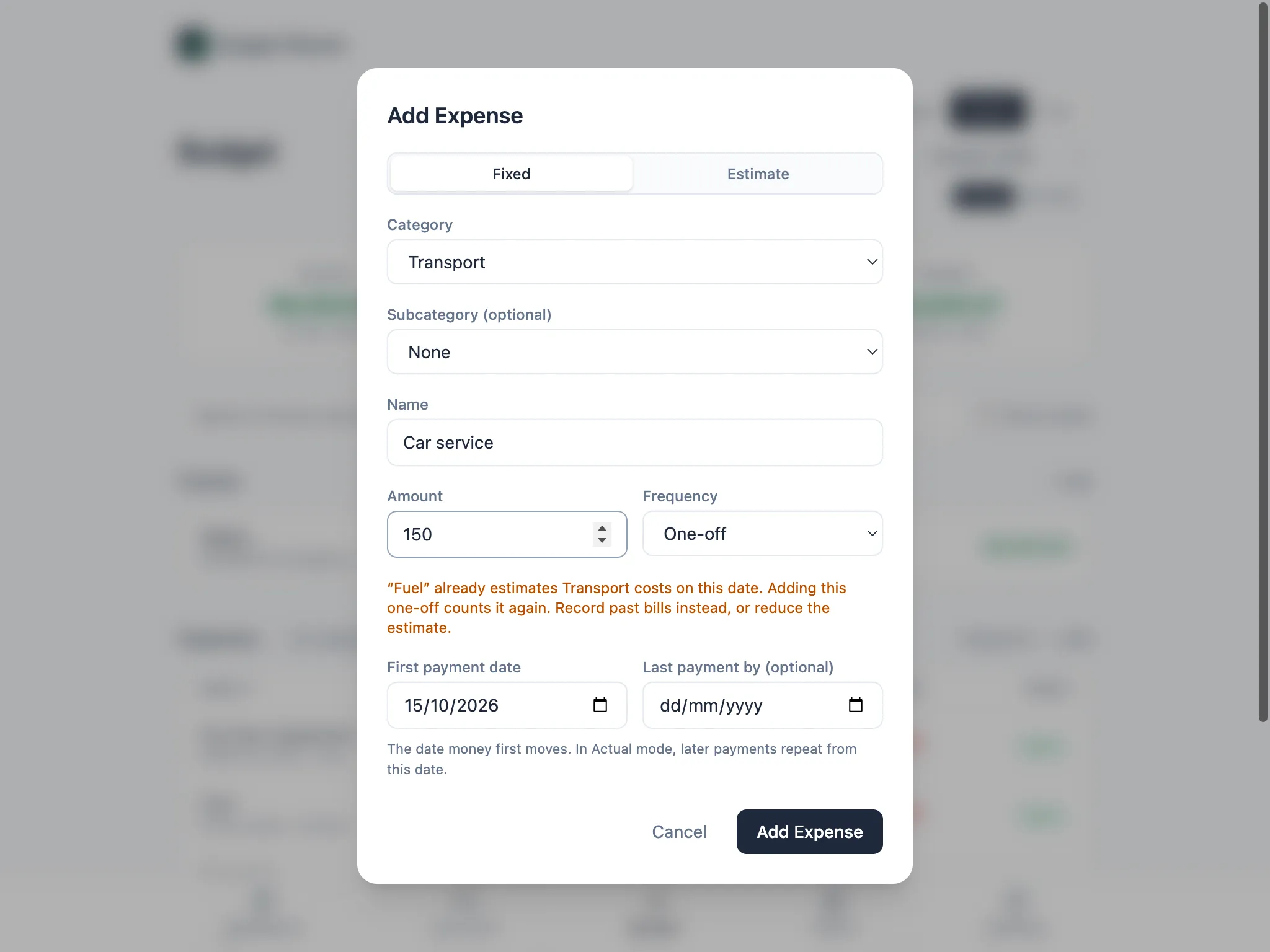
The warning suggests two ways out: record bills once they’ve happened, dated in the past, or reduce the estimate so it no longer covers that cost. It only appears for a one-off dated this month or later, because a past bill records what already happened. One-offs never count in Run Rate either, so they show only in the month they fall in.