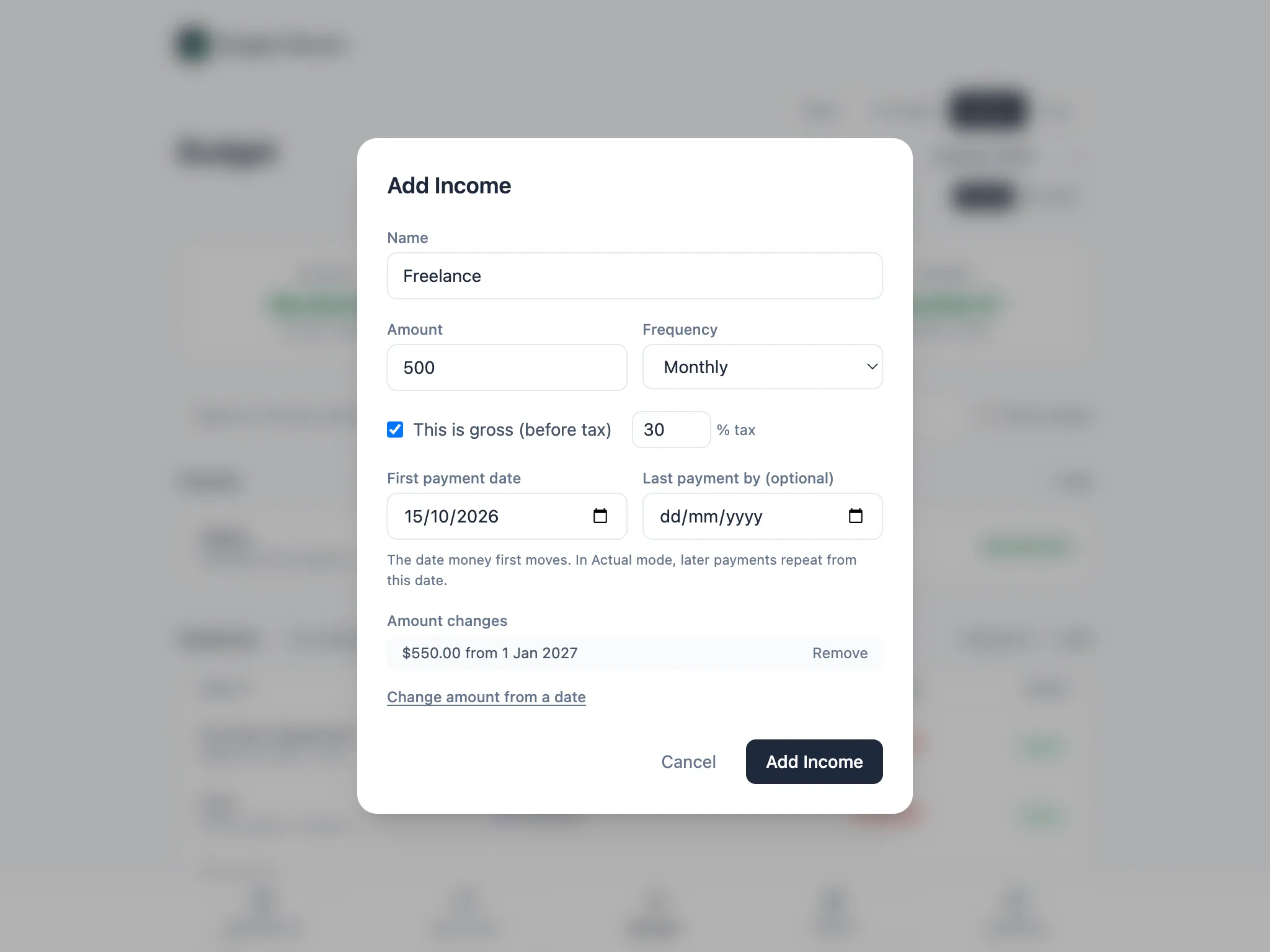

Adding income and expenses
Add income and expenses from the Budget page, with + Add above each list.
Before or after tax income
Section titled “Before or after tax income”The most accurate way to enter income is the amount you actually receive, the take-home figure on your payslip or bank statement. If you only know the before-tax amount, tick This is gross (before tax) and add a tax rate. Budget Planner takes that percentage off the whole amount wherever income is totalled.
It’s a flat percentage, not a tax calculation: it doesn’t know about the tax-free threshold, tax brackets or anything else that changes your take-home pay. Use your overall (average) tax rate rather than your top rate, and switch to the take-home amount once you know it.
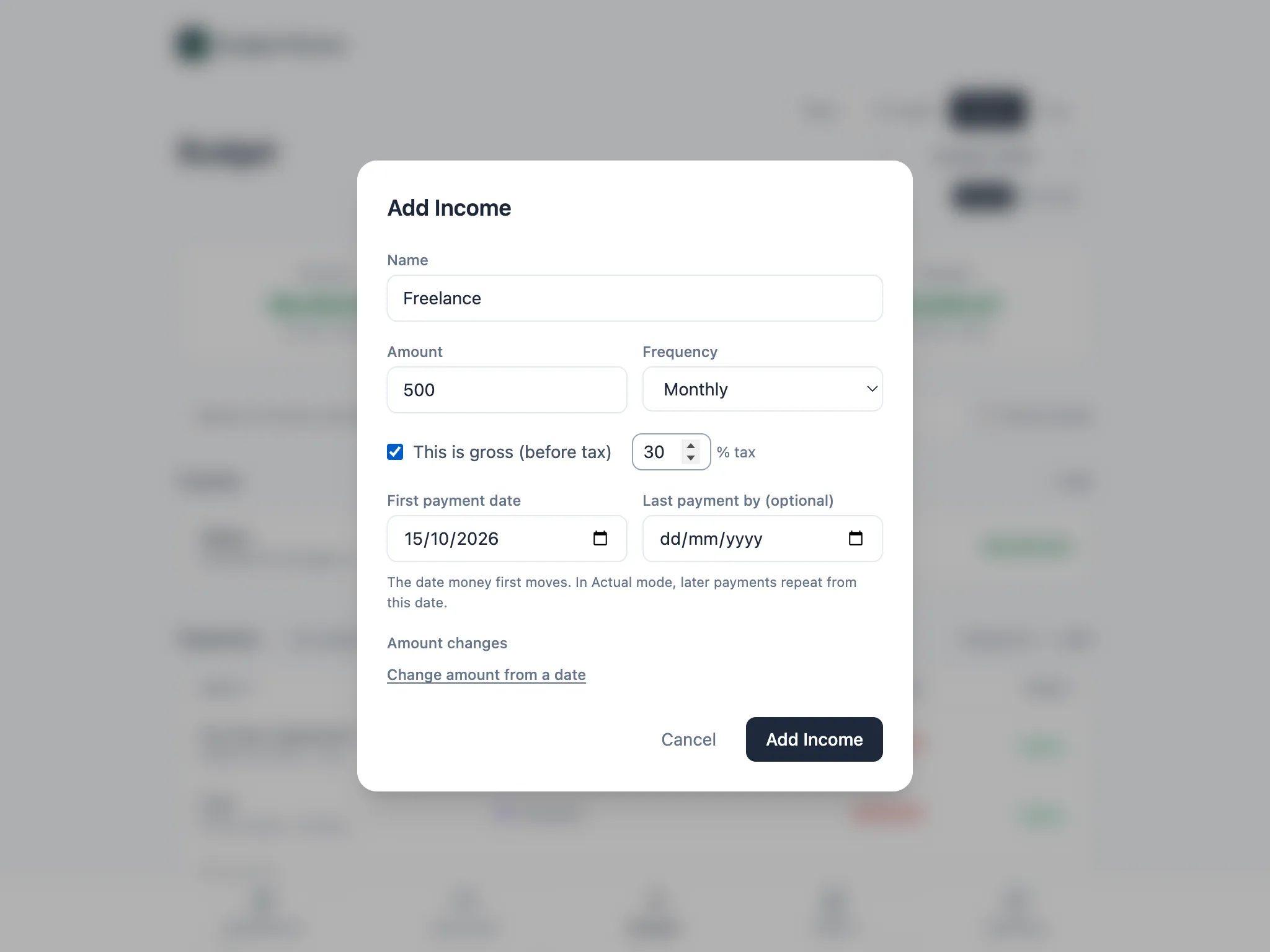
First payment date
Section titled “First payment date”Every income and expense has a First payment date: the date money first moves. In Actual mode, later payments repeat from that date, so a monthly bill that starts on the 31st keeps landing on the 31st, moving to the last day of shorter months (28th or 29th in February, 30th in April, June, September and November) so it’s never skipped.
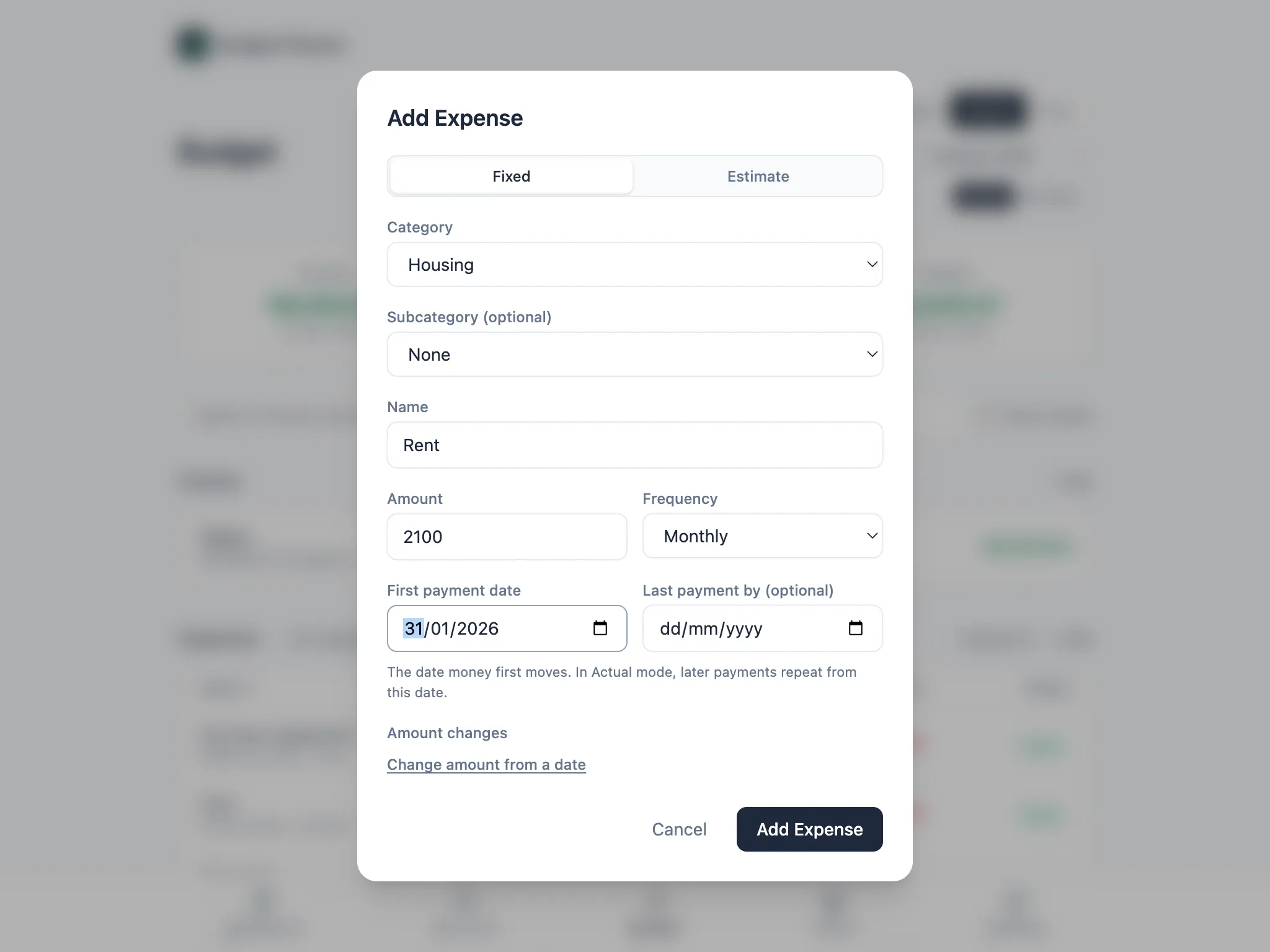
Fixed or Estimate
Section titled “Fixed or Estimate”New expenses choose between two modes:
- Fixed: a set amount on set dates, for things like rent, insurance or subscriptions.
- Estimate: amounts that vary, spread evenly instead of landing on a date, for things like fuel or groceries.
Switching the toggle keeps whatever you’ve already typed in and just changes how the amount is treated. Estimates have their own helper for working out an amount, covered in Costs that vary.
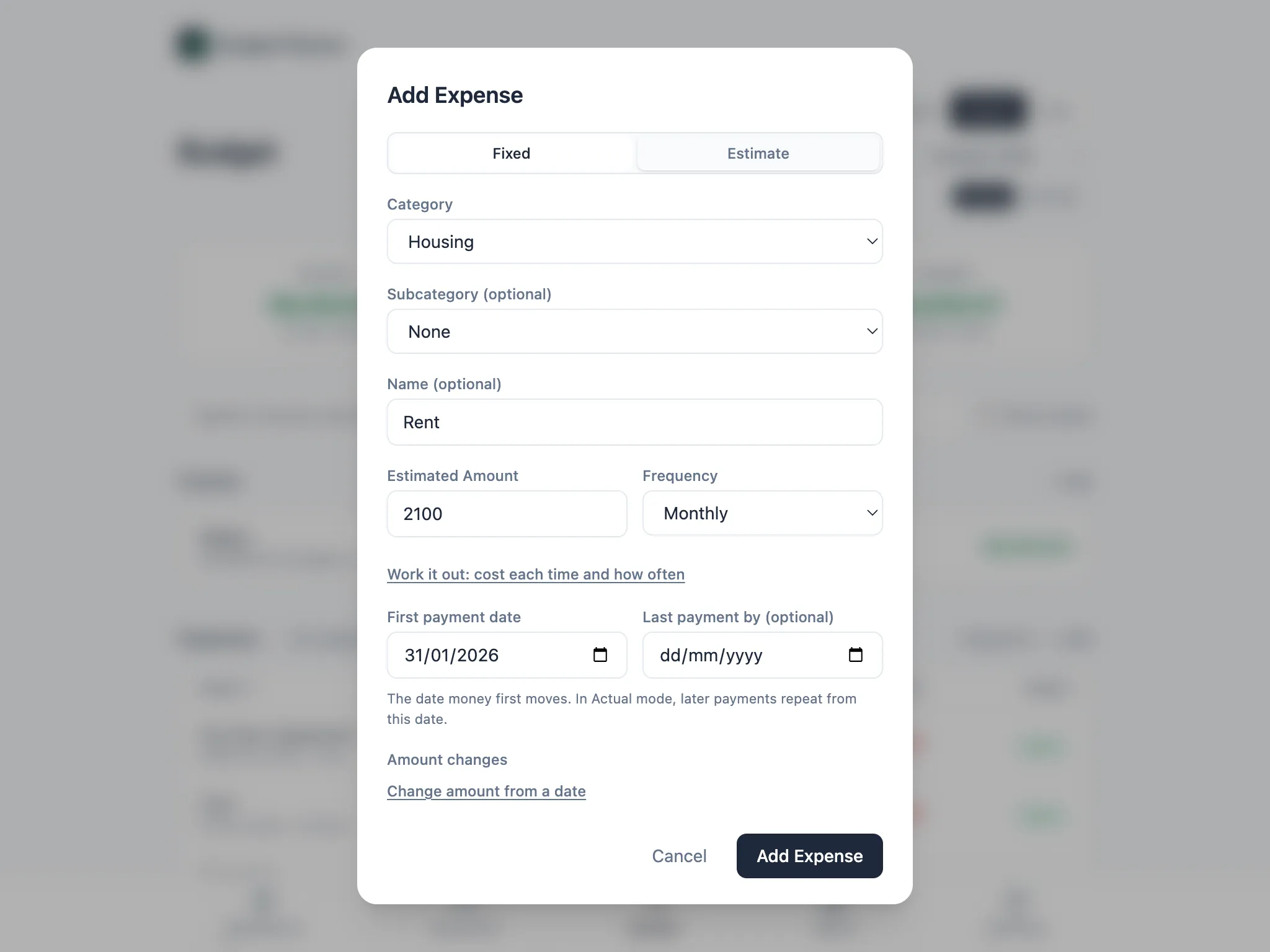
Amounts that change from a date
Section titled “Amounts that change from a date”If an amount is going to change later, such as a rent rise or a pay rise already scheduled, add it under Amount changes instead of editing the item when the date arrives. Choose Change amount from a date, enter the new amount and the date it starts, and the old amount still applies to every payment before that date.