

Accounts and balances
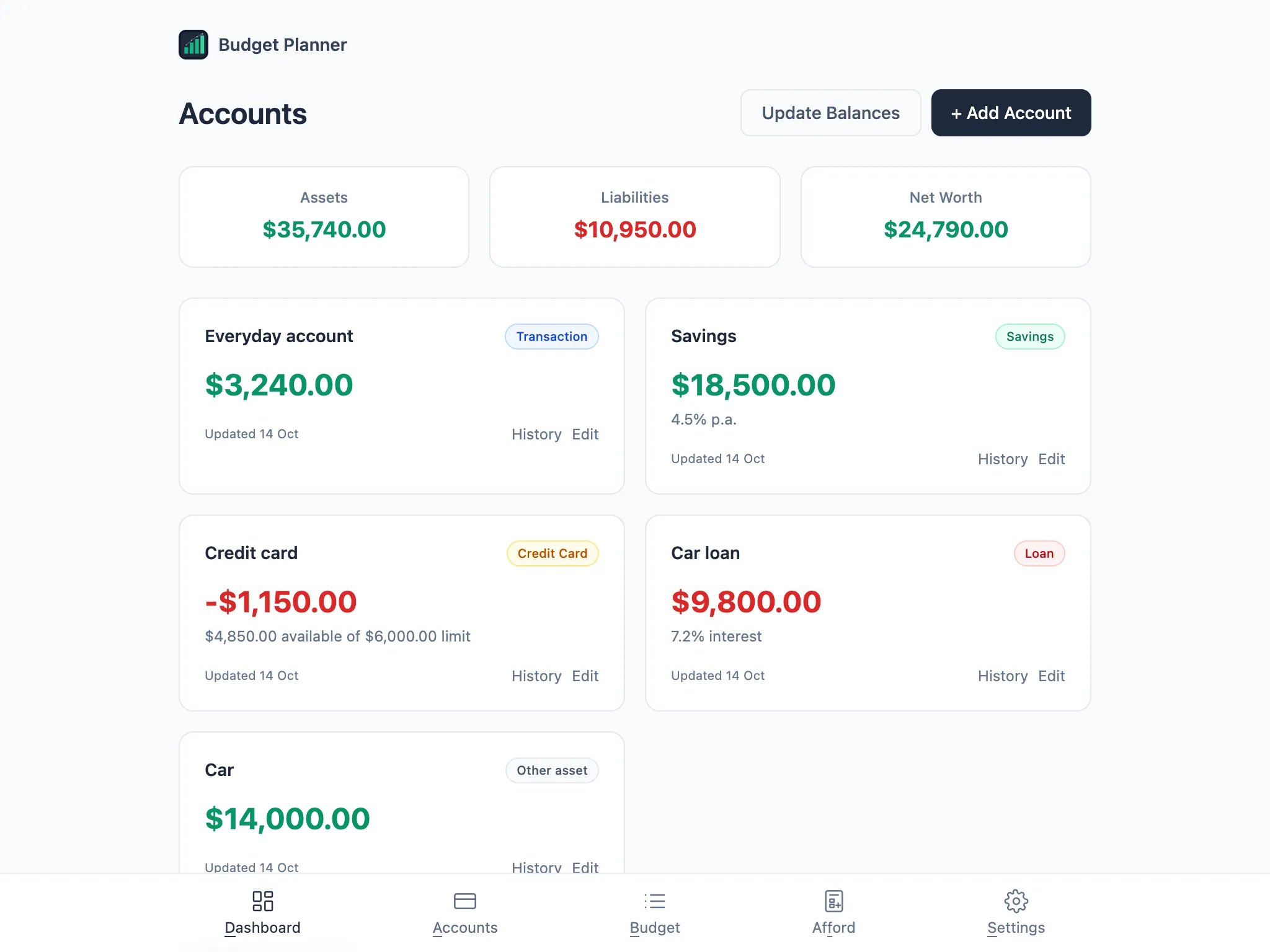
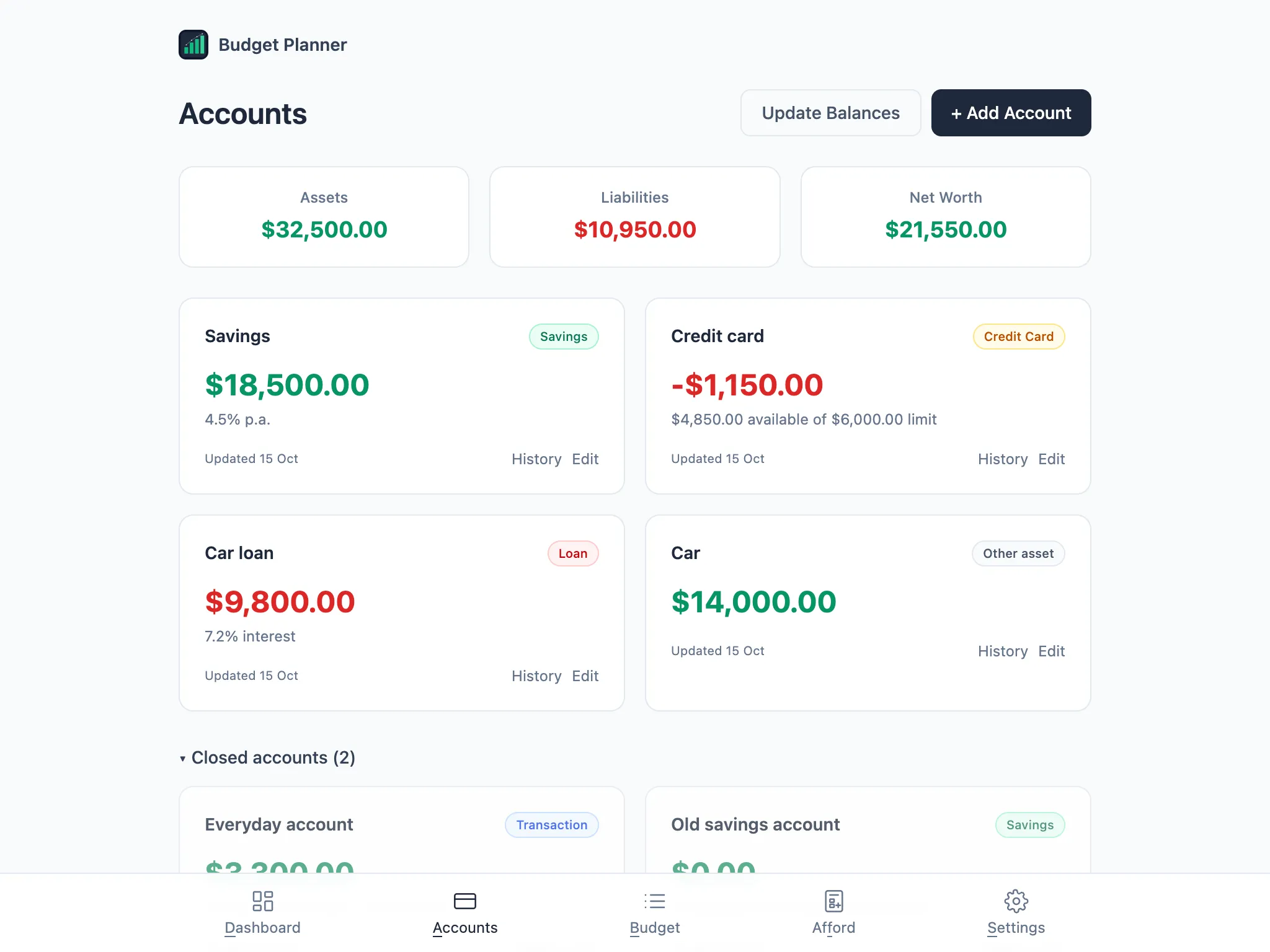
The Accounts page lists your bank accounts, cards, loans and other assets, with Assets, Liabilities and Net Worth totals above them.
Updating balances
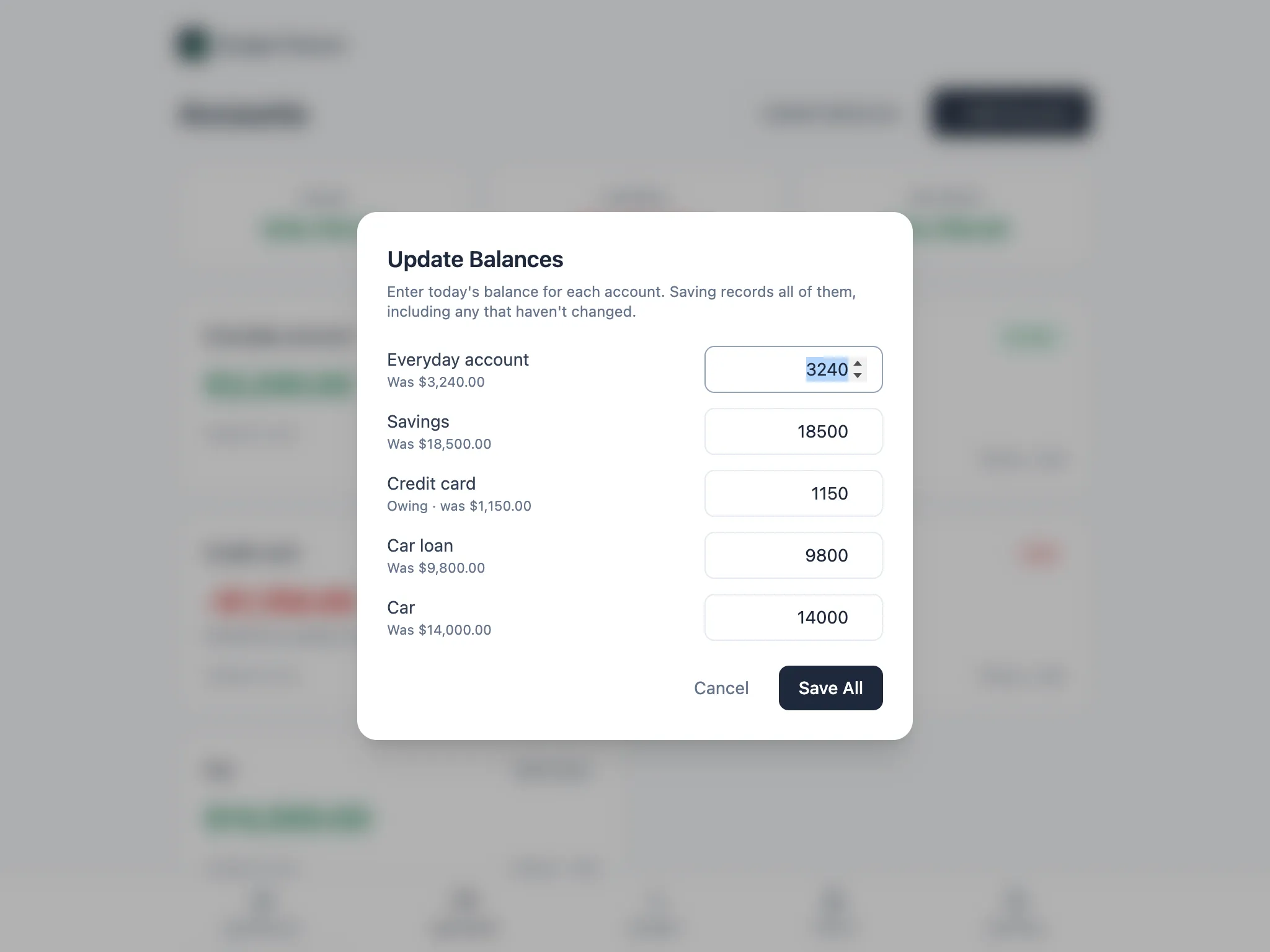
Section titled “Updating balances”Choose Update Balances to enter today’s figure for every account in one dialog, rather than opening each one. Saving records all of them, including any that haven’t changed, so your balance history stays complete.
Credit cards, property and other assets
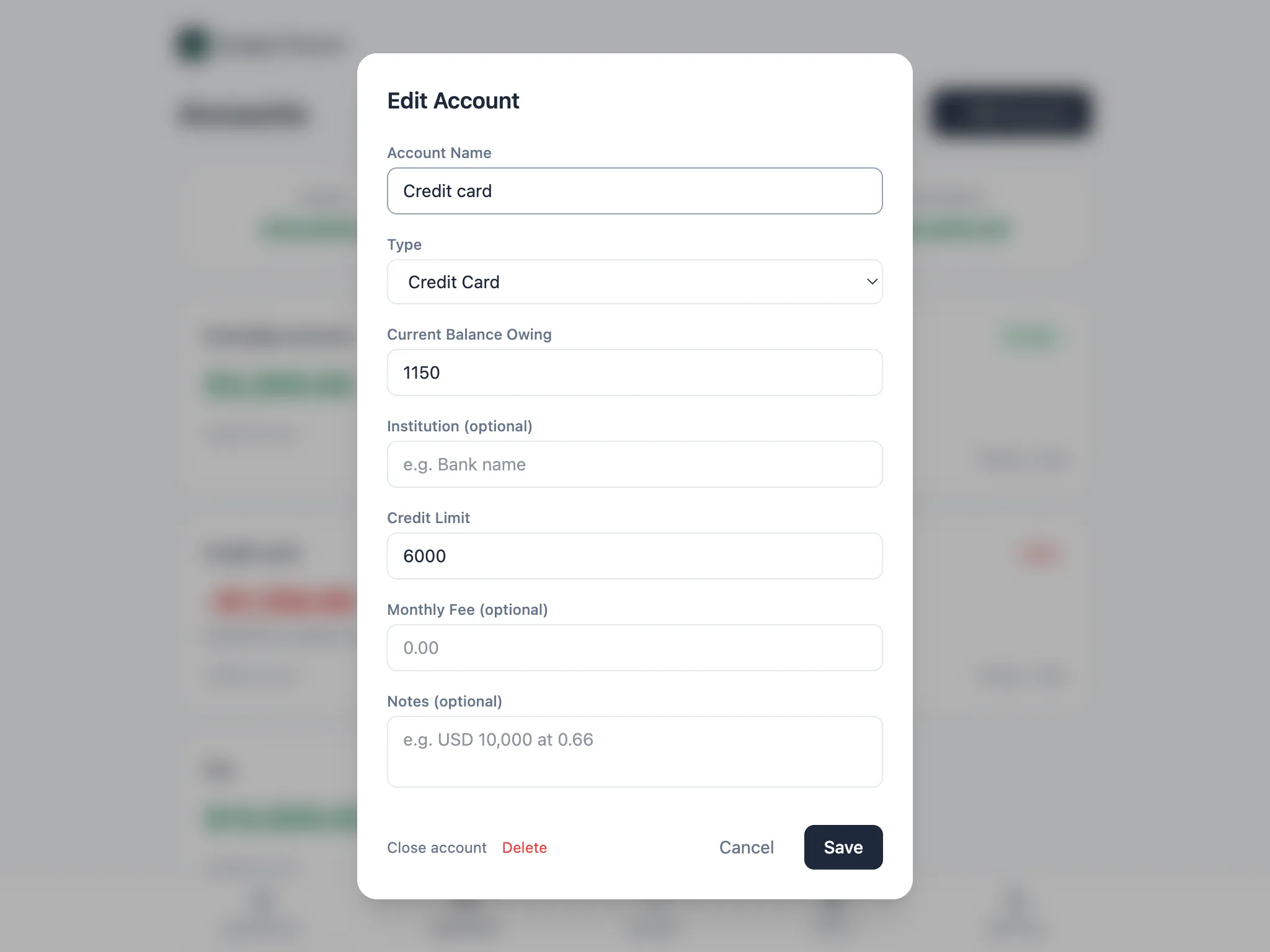
Section titled “Credit cards, property and other assets”Each account type asks for what makes sense for it. A Credit Card asks for the current balance owing, plus a credit limit so the card shows how much is left to spend.
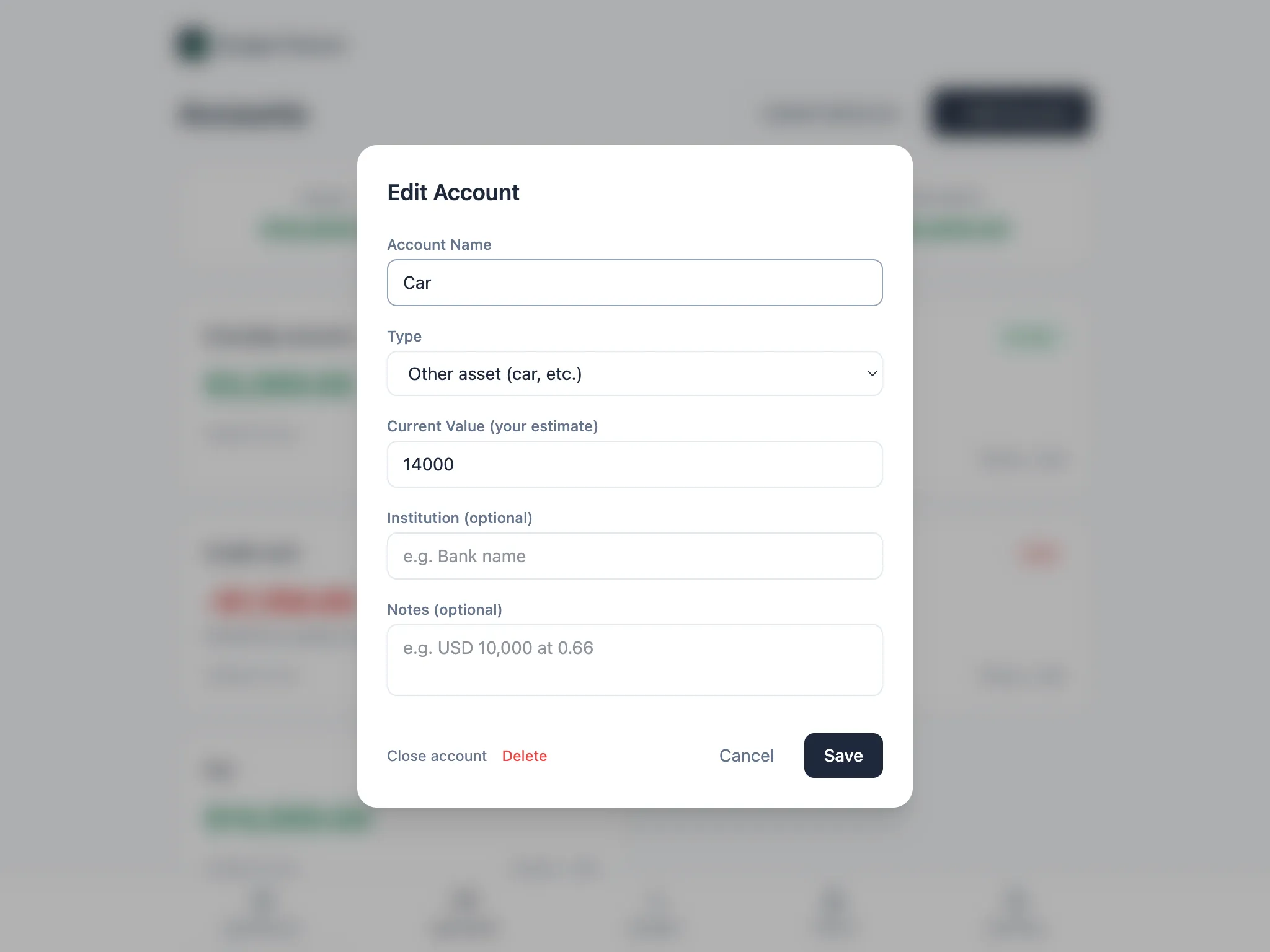
Property and Other asset (a car, for example) ask for your own estimate of its current value instead of a balance you’d get from a statement.
Closing an account
Section titled “Closing an account”When you stop using an account, choose Close account rather than deleting it. A closed account counts as $0 from today, drops out of your totals, Update Balances and any scenario that pays upfront from it, but its balance history is kept and you can reopen it at any time. Closed accounts sit collapsed at the bottom of the page, under a count you can expand.
Deleting an account instead removes it and its history for good, so Budget Planner offers closing as the safer option whenever it can.